 English
 Afrikaans
 العربية
 বাংলা
বাংলা bosanski jezik
 Български
 Català
 粤语
粤语 中文(简体)
 中文(漢字)
 Hrvatski
 Čeština
 Nederlands
 Eesti keel
 Suomi
Suomi Français
 Deutsch
 Ελληνικά
 हिन्दी; हिंदी
 Magyar
 Bahasa Indonesia
 Italiano
 日本語
日本語 한국어
한국어 Latviešu valoda
 Lietuvių kalba
 македонски јазик
 Bahasa Melayu
 Norsk
Norsk پارسی
پارسی Polski
 Português
 Română
 Русский
 Cрпски језик
 Slovenčina
 Slovenščina
 Español
 Svenska
 ภาษาไทย
 Türkçe
 Українська
 اردو
اردو Tiếng Việt

We offer a wide range of the best 1-Wire DS18B20 sensor connectors, including Nanoflex, DisplayPort, USB, Solar, SATA, HDMI, ATA IDE, SAS & many more. All cables are manufactured to the highest industry standards. Using Sensor Circuit Assembly for box builds allows you to focus on your design and marketing, reduce costs, and reap the benefits of our assembly lines, QA processes, and manufacturing expertise.
De DS18B20-sensor communiceert via de “1-Draad” protocol, wat betekent dat het één enkele datalijn gebruikt voor alle communicatie met een microcontroller, waardoor meerdere sensoren op dezelfde lijn kunnen worden aangesloten en kunnen worden geïdentificeerd door hun unieke 64-bits seriële code; deze enkele datalijn wordt hoog getrokken met een weerstand en de sensor verzendt gegevens door de lijn laag te trekken tijdens specifieke tijdslots om stukjes informatie te verzenden.
DS18B20 Temperatuursensor: The DS18B20 waterproof probe is designed for underwater use, capable of operating in wet or moist environments without being damaged by water or moisture.
Temperature sensor supply voltage: 3.0V ~ 5.25V;
Bedrijfstemperatuurbereik:-55 ℃ tot +125 ℃ (-67 ℉ to +257 ℉);
Provides from 9-bit to 12-bit Celsius temperature measurements;
Adapter module is equipped with a pull-up resistor, and directly connects to the GPIO of the Raspberry Pi without an external resistor;
Use this adapter module kit to simplify connecting the waterproof temperature sensor to your project.
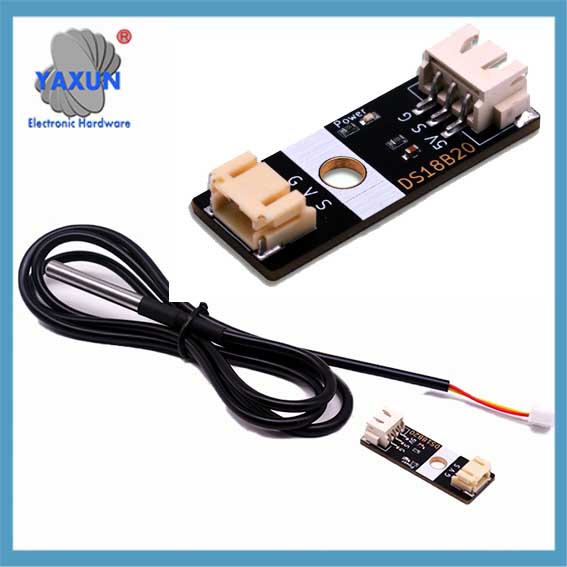 DS18B20 digitale temperatuursensorsonde & XH2.54 to PH2.0 module |
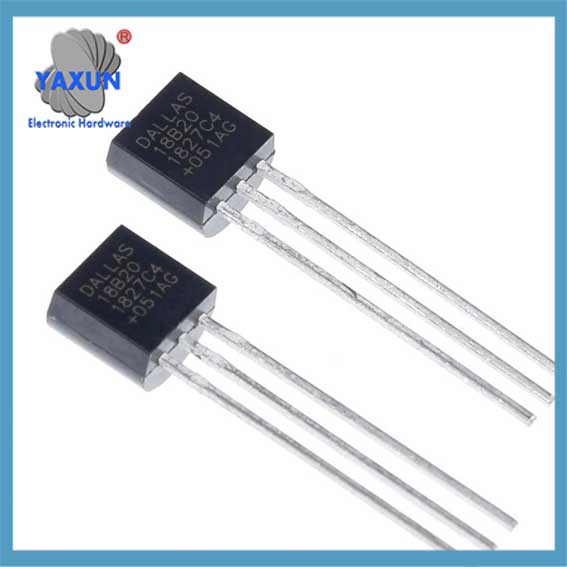 China-made DS18B20 chip temperature acquisition TO-92 temperature sensor |
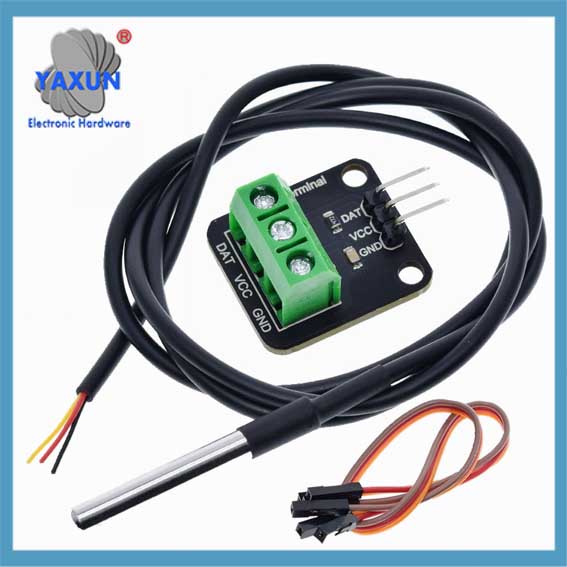 DS18B20 temperatuursensor 1-draads waterdichte kabel + adapterbord set |
1. Key points about the 1-Wire protocol:
Single data line:
Only one wire is needed for communication between the sensor and the microcontroller.
Half-duplex communication:
Data can be sent in both directions, but only one direction at a time.
Parasite power:
The DS18B20 can be powered directly from the data line during communication, eliminating the need for a separate power supply in some cases.
Unique device addresses:
Each DS18B20 sensor has a unique 64-bit serial code that allows the microcontroller to identify and address individual sensors on the bus.
Communication steps with a DS18B20:
1.1 Reset pulse:
The microcontroller initiates communication by pulling the data line low for a specific duration (reset puls).
1.2 Presence pulse:
If a DS18B20 is present on the bus, it will respond with a short pulse, indicating its presence.
1.3 ROM-opdracht:
The microcontroller sends a ROM command to either read the unique 64-bit code of a specific sensor (“Match-ROM”) or to address all sensors on the bus (“Schipkamer”).
1.4 Function command:
Depending on the desired operation (like reading temperature), the microcontroller sends a specific function command to the sensor.
1.5 Data transfer:
Data is transmitted bit-by-bit, with the sensor pulling the data line low to send a ‘0’ and letting the line go high to send a ‘1’.
2. Gedetailleerde uitleg van het 1-Wire-communicatieprotocol van de DS18B20
De reden waarom DS18B20-sensoren op grote schaal worden gebruikt, is grotendeels te danken aan het unieke communicatieprotocol – 1-Draadcommunicatieprotocol. Dit protocol vereenvoudigt de vereisten voor hardwareverbindingen en biedt een efficiënte manier om gegevens te verzenden. In dit hoofdstuk wordt het werkingsmechanisme en het gegevensuitwisselingsproces van het 1-lijnscommunicatieprotocol diepgaand geanalyseerd om een solide basis te leggen voor de daaropvolgende programmeerpraktijk..
2.1 Basisprincipes van het 1-draads communicatieprotocol
2.1.1 Kenmerken van het 1-Wire-communicatieprotocol:
DS18B20 1-Wire-communicatieprotocol wordt ook wel genoemd “enkele bus” technologie. Het heeft de volgende kenmerken: – Communicatie via één bus: Voor bidirectionele datatransmissie wordt slechts één datalijn gebruikt, waardoor de complexiteit van de bedrading aanzienlijk wordt verminderd in vergelijking met de traditionele meerdraads sensorcommunicatiemethode. – Verbinding met meerdere apparaten: Ondersteunt het aansluiten van meerdere apparaten op één databus, en identificeert en communiceert via apparaatidentificatiecodes. – Laag stroomverbruik: Tijdens de communicatie, het apparaat kan zich in een energiezuinige stand-bymodus bevinden wanneer het niet deelneemt aan de communicatie. – Hoge precisie: Met een kortere datatransmissietijd, het kan externe interferentie verminderen en de nauwkeurigheid van de gegevens verbeteren.
2.1.2 Gegevensformaat en timinganalyse van 1-draads communicatie
Het gegevensformaat van het 1-draads communicatieprotocol volgt een specifieke timingregel. Het omvat de timing van de initialisatie, schrijftiming en leestiming:
Initialisatietiming: De host start eerst de timing van de aanwezigheidsdetectie (Aanwezigheidspuls) door de bus een bepaalde tijd stil te zetten, en de sensor verzendt als reactie daarop een aanwezigheidsimpuls.
Schrijf timing: Wanneer de host een schrijftiming verzendt, het trekt eerst de bus ongeveer naar beneden 1-15 microseconden, laat vervolgens de bus los, en de sensor trekt de bus naar binnen 60-120 microseconden om te reageren.
Lees timing: De host waarschuwt de sensor om gegevens te verzenden door de bus naar beneden te trekken en los te laten, en de sensor zal het databit na een bepaalde vertraging op de bus uitvoeren.
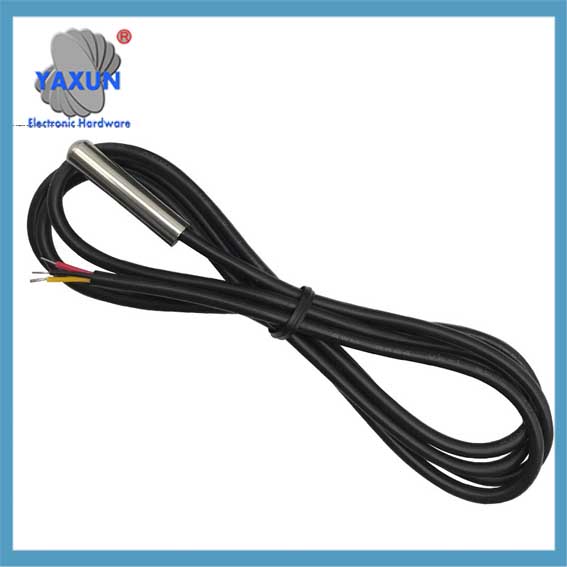 Analog Devices DS18B20+, MAXIM Programmable Resolution 1-Wire Digital Thermometer |
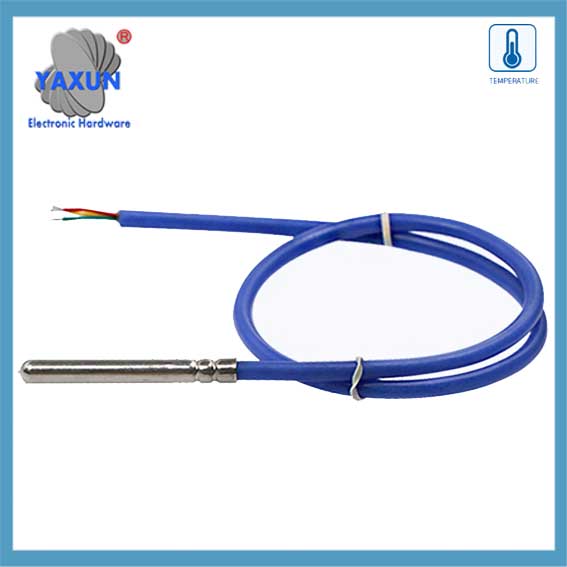 DS18B20 12-bit 1-Wire Digital Temperature Sensor w/ 1 Meter Cable |
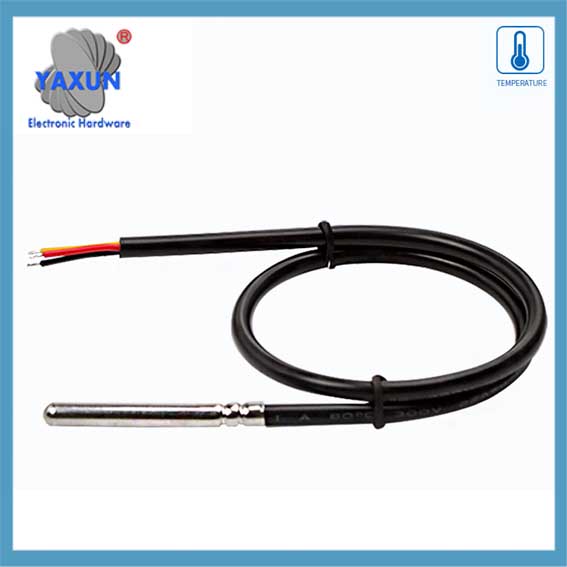 DS18B20 sensor probe dedicated to temperature and humidity collection in cold chain cold storage |
2.2 Software implementation of data communication
2.2.1 Initialization and reset of 1-line communication
At the software level, initialization and reset of 1-Wire communication is the first step of communication. The following is the pseudo code to implement this process:
// OneWire communication initialization function
void OneWire_Init() {
// Set the bus to input mode and enable the pull-up resistor
SetPinMode(DS18B20_PIN, INPUT_PULLUP);
// Wait for the bus to be idle
DelayMicroseconds(1);
// Send a reset pulse
OneWire_Reset();
}
// OneWire communication reset function
void OneWire_Reset() {
// Pull down the bus
SetPinMode(DS18B20_PIN, OUTPUT_LOW);
DelayMicroseconds(480);
// Release the bus
SetPinMode(DS18B20_PIN, INPUT_PULLUP);
DelayMicroseconds(70);
// Wait for the presence of a pulse
als (!WaitForOneWirePresence())
// No pulse was detected, maybe the sensor is not connected or the initialization failed
HandleError();
DelayMicroseconds(410);
}
// Waiting for the presence of a pulse
bool WaitForOneWirePresence() {
return ReadPin(DS18B20_PIN) == 0; // Assume low level is a signal presence
}
2.2.2 Data reading and writing operations
Data reading and writing operations are the core part of sensor communication. The following code shows how to write a byte to a one-wire bus:
// Write a byte to a one-wire bus
void OneWire_WriteByte(byte data) {
voor (int i = 0; i < 8; I ++) {
OneWire_WriteBit(gegevens & 0X01);
gegevens >>= 1;
}
}
// Write a bit to a one-wire bus
void OneWire_WriteBit(bit data) {
SetPinMode(DS18B20_PIN, OUTPUT_LOW);
als (gegevens) {
// Release the bus when writing 1
SetPinMode(DS18B20_PIN, INPUT_PULLUP);
DelayMicroseconds(1);
} anders {
// Continue to pull the bus low when writing 0
DelayMicroseconds(60);
}
SetPinMode(DS18B20_PIN, INPUT_PULLUP);
DelayMicroseconds(1);
}
Next is the function to read a byte:
// Read a byte from the one-wire bus
byte OneWire_ReadByte() {
byte data = 0;
voor (int i = 0; i < 8; I ++) {
gegevens >>= 1;
als (OneWire_ReadBit())
gegevens |= 0x80;
}
Retourgegevens;
}
// Read a bit from the one-wire bus
bit OneWire_ReadBit() {
SetPinMode(DS18B20_PIN, OUTPUT_LOW);
SetPinMode(DS18B20_PIN, INPUT_PULLUP);
DelayMicroseconds(3);
bool result = ReadPin(DS18B20_PIN);
DelayMicroseconds(57);
return result;
}
2.2.3 Verification mechanism of OneWire communication
The OneWire communication protocol uses a simple verification mechanism in the data exchange process, usually by reading back the written data to verify the correctness of the data. The following is a sample code for verifying the written data:
byte data = 0x55; // Assume that the data to be sent
OneWire_WriteByte(gegevens); // Write data to the OneWire bus
byte readData = OneWire_ReadByte(); // Read back data from the OneWire bus
als (readData != data) {
HandleError(); // If the read-back data does not match the written data, handle the error